Back to your selection
Thermal Inkjet Printing
ABOUT THE MACHINE
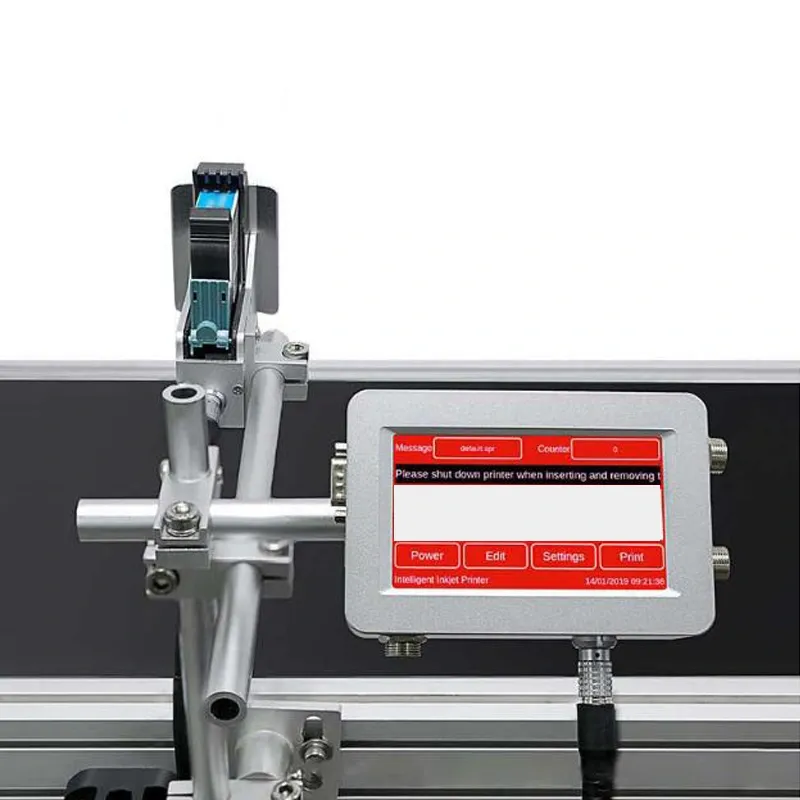
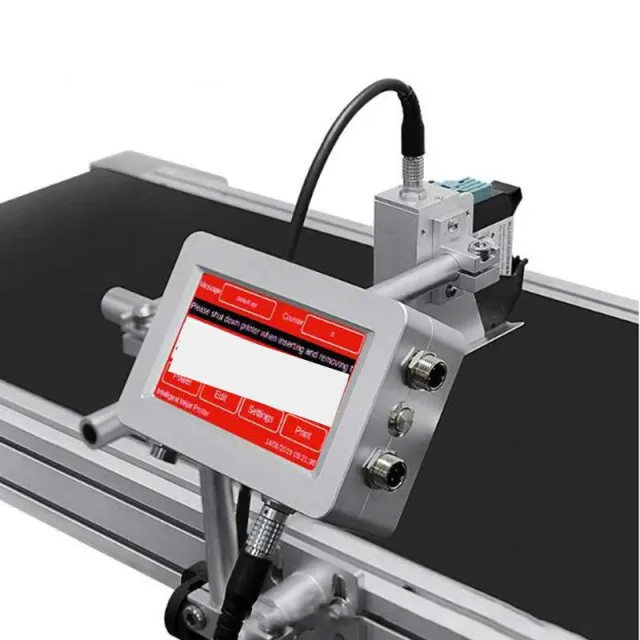
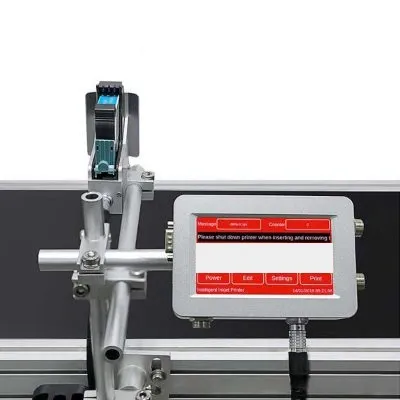
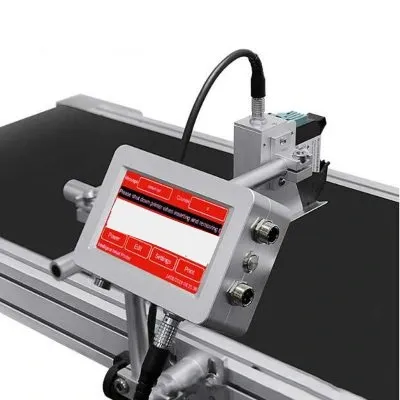
Thermal Inkjet Coding Printer
AK-1
Product reference: MCH-00526
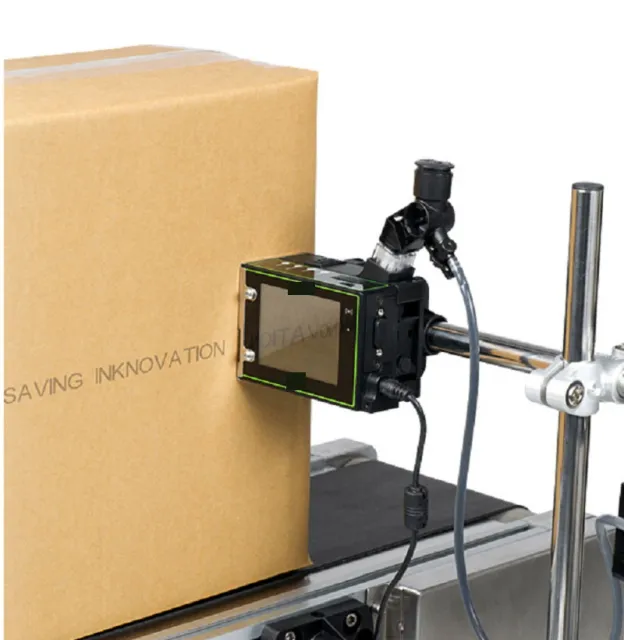
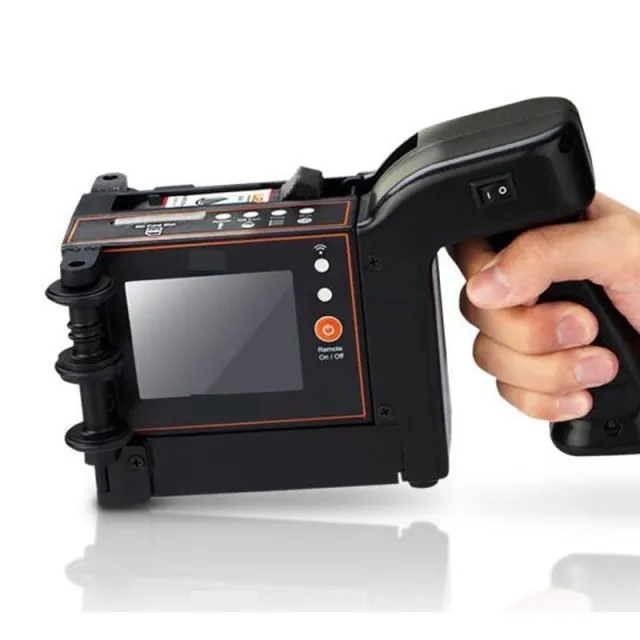
The AK-1 online inkjet printer runs an embedded Linux operating system and supports firmware updates over Wi-Fi. Sensor triggering enables automatic printing on the line, with 180-degree print orientation supported.
- Containers and print media
- Bottles & containers
The printing or labeling system is selected for the application surface, code or label size, and production line speed.
Details & features
CONFIGURATION DATA
Technical specifications
Values depend on the model and configuration. Final specifications are confirmed with your quotation.
| Model | AK-1 |
|---|---|
| Shape features | Aluminium |
| Weight | 1.5kg |
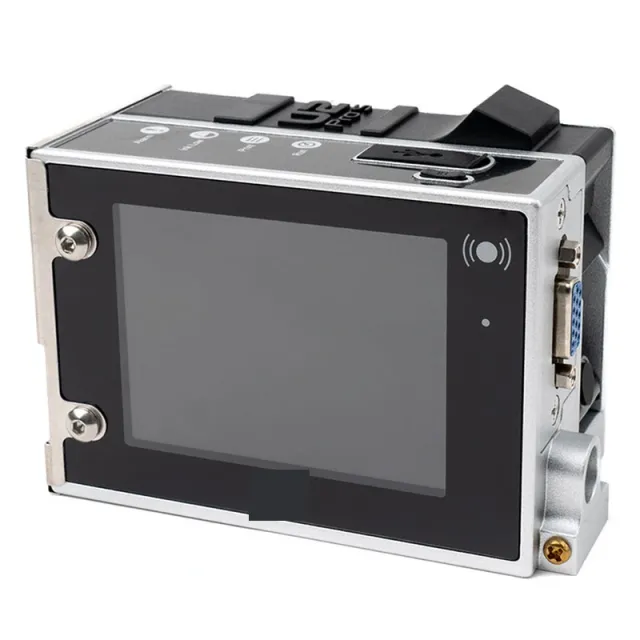
| Dimension | 128*90*45mm |
| System / CPU | Linux / Quard core 1.4 GHz |
| Screen | 4.3 Inch LCD with touch screen |
| Print Engine | Imported original TIJ2.5 driver board |
| Max Definition | 300 DPI standard; 600 DPI optional. |
| Spray nozzle | Thermal foaming inkjet 2.5 |
| Printing direction | Adjustable with 360 degree, meet all kinds of production needs |
| Printing line | 1-8 lines (adjustable) |
| Printing height | 1.2mm-12.7mm |
| Printing distance | 1-10mm Mechanical Adjustment (the best distance between the nozzle and printed object is 2-5mm) |
| Printing content | Text, time, batch number, serial, number, Picture, QR code,DM code, barcode,Database printing |
| Application | carton, bucket,pipe, cable, metal, plastic bag, glass,electronics, automotive parts |
| Printing length | 2000 characters for each message, no limitation on length |
| Printing speed | 60m/min |
| Ink type | Quick-dry environmental ink, water-based ink and oily ink, UV Ink |
| Ink color | black, white, red, blue, yellow, green, invisible |
| Ink volume | 42ml (usually can print 800,000 characters) |
| Interface | USB,RS232, External Sensor,External Encoder,Alarm Light,WIFI (For S/W update only) |
| Power | 100 to 240V AC input ,50/60Hz |
| Storage Space | The machine can store more than 1000 mass (external USB make the information transfer in a free way) |
| Working condition | Temperature:0 – 45 degree; Humidity: 10% – 80% |
CONTINUE EXPLORING
View family ↗